Google Workspace is introducing two usability enhancements to Connected Sheets to improve data presentation and give more flexibility when analyzing BigQuery data.
List parameters: When writing a query, users can reference multiple values in a single list parameter by selecting a grid range in a sheet. Each cell will function as a unique value in the list. This enables more flexible or robust querying based on values already in the sheet. For example, this feature allows data admins and power users to configure input sheets that allow collaborators or end users to easily select options via drop-down or in the sheet for advanced filtering without needing to modify the underlying query. As a result, more users can independently self-serve insights and interact with Connected Sheets.
Column aliasing: Users can create aliases for BigQuery column names directly within the Connected Sheet. Database column names can sometimes be unwieldy or lack contextual information for broader audience readability. Aliasing provides a way to substitute presentation-ready labels in the Connected Sheets interface without altering the underlying database reference. Users can continue to refer to columns by either the new alias or the original name in formulas and inputs.
Getting started
Rollout pace
Availability
- Available to all Google Workspace customers and users with personal Google accounts
Resources
 Google Pixel Tag locates keys, wallets, and luggage via Bluetooth Channel Sounding and Find Hub. Check specs, price, and compatibility.
 The new Pixel 11 lineup offers the best of Gemini Intelligence and brings our biggest camera upgrades in years.
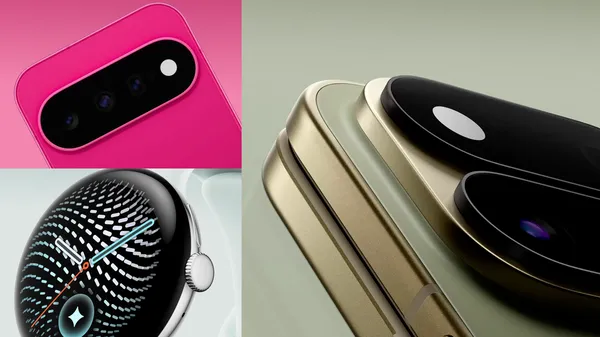 Here’s a first look at our new Pixel devices, including new Pixel 11 phones, Pixel Watch 5, and our first-ever Pixel Tag.
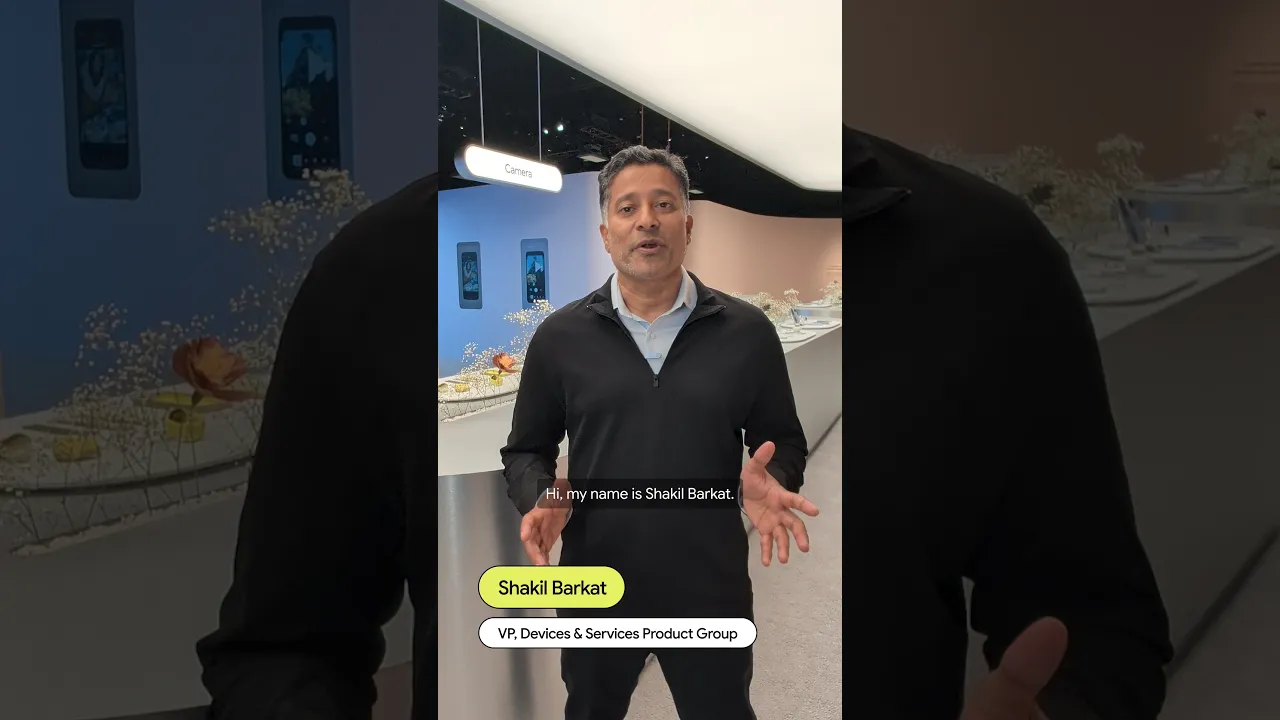 Our Pixel 11 phones are packed with helpful updates, like Magic Capture, Rambler, and HiLight. Here, a Googler shares his favorites.
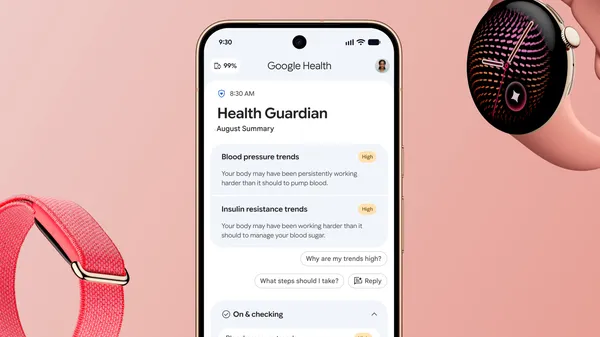 A new level of proactive health and wellness is coming to your wrist.
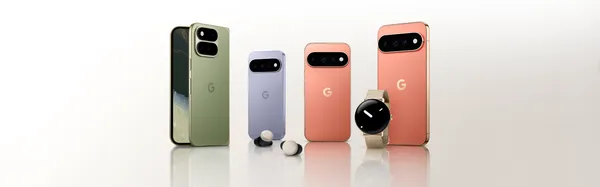 Check out the latest announcements about Pixel devices at Made by Google 2026.
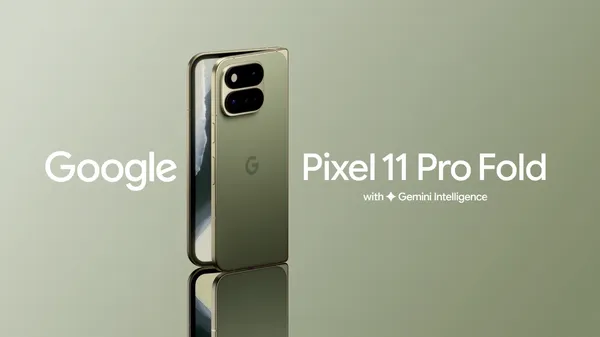 Pixel 11 Pro Fold is our latest foldable with a thinner and lighter design, a new main camera, and enhanced intelligence tools.
 The Pixel Watch 5 offers our most accurate GPS route tracking yet, helping you retrace where you went on runs, hikes, and bike rides.

