
Rollout details:
- Rapid Release and Scheduled Release domains: Available now.
Availability:
- Available to all Google Workspace customers, Workspace Individual Subscribers, and users with personal Google accounts.
The Beta channel has been updated to 140.0.7339.16 for Windows, Mac and Linux.
A partial list of changes is available in the Git log. Interested in switching release channels? Find out how. If you find a new issue, please let us know by filing a bug. The community help forum is also a great place to reach out for help or learn about common issues.
Chrome Release Team
Google Chrome

 Today, we are updating the Gemini app so that it learns about your preferences the more you use it.
Hi everyone! We've just released Chrome Beta 140 (140.0.7339.14) for iOS; it'll become available on App Store in the next few days.
You can see a partial list of the changes in the Git log. If you find a new issue, please let us know by filing a bug.
Chrome Release Team
Google Chrome
Hi everyone! We've just released Chrome Beta 140 (140.0.7339.15) for Android. It's now available on Google Play.
You can see a partial list of the changes in the Git log. For details on new features, check out the Chromium blog, and for details on web platform updates, check here.
If you find a new issue, please let us know by filing a bug.
Chrome Release Team
Google Chrome
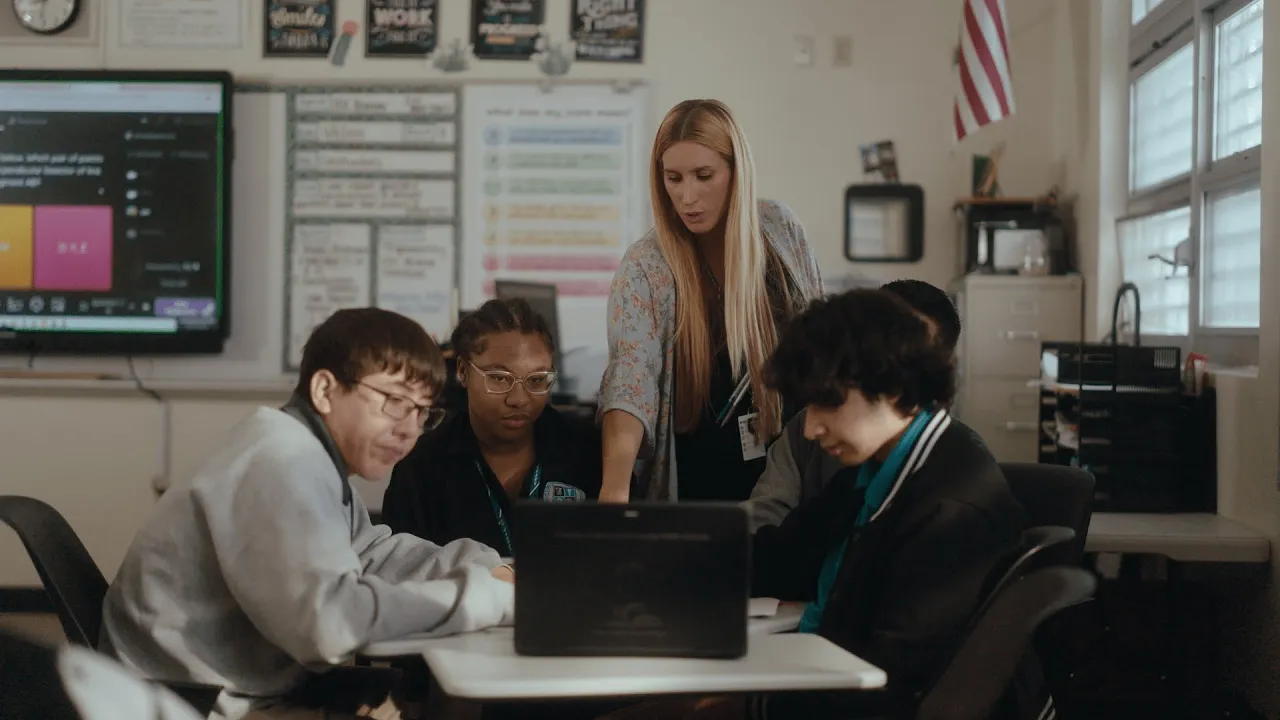 Miami-Dade County Public Schools (M-DCPS), the third-largest school district in the United States, offers every high-school student and teacher access to Gemini for Educ…
M-138, ChromeOS version 16295.74.0 (Browser version 138.0.7204.232), has rolled out
to ChromeOS devices on the Stable channel.
If you find new issues, please let us know one of the following ways:
Visit our ChromeOS communities
General: Chromebook Help Community
Beta Specific: ChromeOS Beta Help Community
Interested in switching channels? Find out how.
Thanks,
Alon Bajayo
ChromeOS Release Team
M-138, ChromeOS version 16295.74.0 (Browser version 138.0.7204.232), has rolled out
to ChromeOS devices on the Stable channel.
If you find new issues, please let us know one of the following ways:
Visit our ChromeOS communities
General: Chromebook Help Community
Beta Specific: ChromeOS Beta Help Community
Interested in switching channels? Find out how.
Thanks,
Alon Bajayo
ChromeOS Release Team
M-138, ChromeOS version 16295.74.0 (Browser version 138.0.7204.232), has rolled out
to ChromeOS devices on the Stable channel.
If you find new issues, please let us know one of the following ways:
Visit our ChromeOS communities
General: Chromebook Help Community
Beta Specific: ChromeOS Beta Help Community
Interested in switching channels? Find out how.
Thanks,
Alon Bajayo
ChromeOS Release Team