Today in the Google Ads UI, you will see updated enhanced conversions for leads diagnostics that feature a number of improvements that offer better visibility into the state of your conversion import implementation. The goal of these changes is to help you identify common problems and address them quickly.
Here are some of the changes you’ll see:
- New "Importing limited user-provided data" Alert: A new, high-priority alert has been introduced to detect a common implementation error, where users fail to import incremental conversions that contain user-provided data (UPD) but not a GCLID. We recommend that you import all of your conversion data that has user-provided data, regardless of whether or not it has a GCLID. Doing so helps to find cross-device or Youtube EVC conversion touchpoints, driving performance uplift. You may not see these benefits if you omit UPD-only conversions.
- Improved Status for "Tagless" Implementations: A new "Good" status has been added to validate setups where advertisers import conversions with both a GCLID and user-provided data, but do not have the Google tag implemented on their website. Previously, this valid configuration could trigger confusing "Urgent" alerts. If you have not implemented the Google tag on your website, it’s important to include GCLIDs in your conversion imports whenever possible in order to get performance benefits.
- Reprioritized Alert Logic: Alert priorities have been updated to be more intelligent. For users sending GCLIDs with their offline data, import-related issues will be prioritized as more critical, while tag-related issues will be downgraded in severity.
- Complete Alert Visibility: The diagnostics interface has been updated to show all alerts at once, regardless of their severity tier. This allows developers to see a complete picture of all required and recommended actions upfront, rather than fixing one issue only to uncover another.
- Deprecation of
CLICK_NOT_FOUND: The informationalCLICK_NOT_FOUNDerror has been removed from the Diagnostics UI and API, and, correspondingly, thedebug_modeparameter in theUploadClickConversionsmethod that triggers it in API responses has also been removed. See this related blog post for reference.
Reach out to the Google Ads API support channel if you have any questions or need support. If you want to discuss this change with us, join our “Google Advertising and Measurement Community” Discord server.
 - Ben Karl, on behalf of the Google Ads API Team
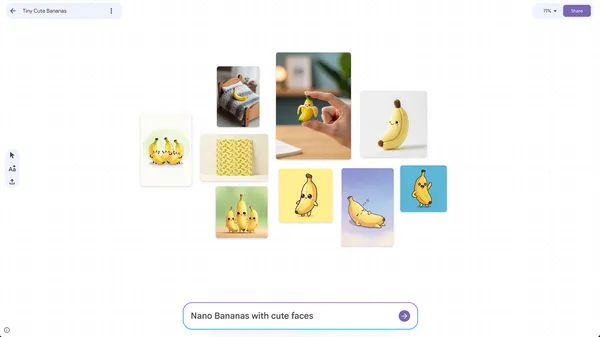 Mixboard is an experimental, AI-powered visual brainstorming tool that helps you explore, expand and refine ideas.
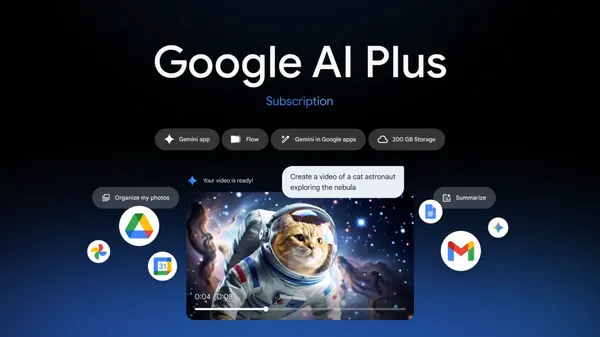 Google AI Plus — our newest AI plan — is now available in more than 40 more countries.

 Today, we celebrated 20 years in Mexico by showcasing our efforts to support local talent, users and businesses.
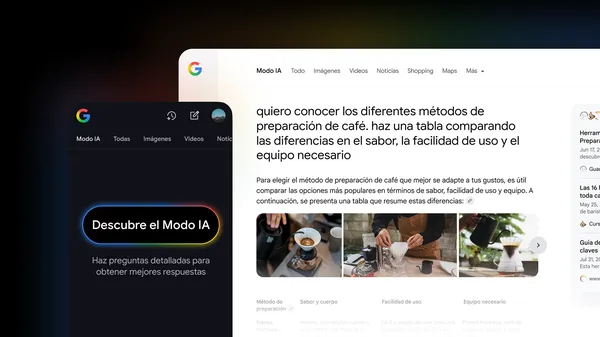 AI Mode in Google Search is starting to roll out globally in Spanish today.
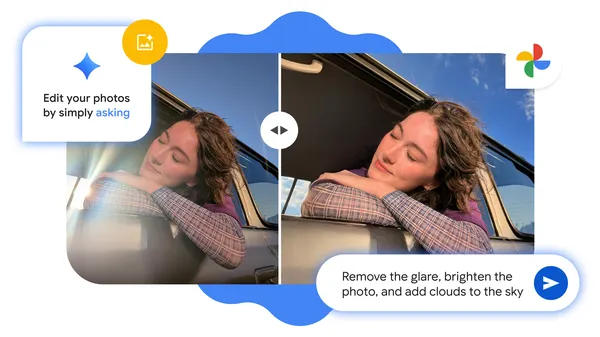 We’re expanding the ability to edit your images by simply asking in Google Photos to Android devices.