What’s happening
Last month, we announced that
Ask Gemini in Meet was starting to roll out for select Workspace customers. Today, the experience is now rolling out to Enterprise Standard and Enterprise Plus domains.
You can use Ask Gemini to:
- Summarize ongoing discussions or get a recap of what someone said
- Improve meeting outcomes by identifying key takeaways, decisions, and action items
- Catch up on what you missed if you joined late (if Gemini powered note taking was enabled)
Ask Gemini in Meet brings the power of Gemini into your organization’s meetings. Acting as a personal assistant, it can help make meetings more productive and more efficient.
Additional details:
- A user’s interactions and responses from Ask Gemini in Meet are private to that user.
- Ask Gemini generates answers by referring to meeting captions, Google Workspace resources (Docs, Sheets, Slides, Gmail, etc.) that the user has permission to view, and content from Google search and public websites.
- No caption data will be stored after the meeting ends. Using Ask Gemini in Meet does not generate a meeting recording or transcript.
- Ask Gemini in Meet cannot answer questions about meeting discussions that happen before the user has joined the meeting, unless "take notes for me" is on.
- Only meetings in English are currently supported, but support for more languages is coming soon.
- Ask Gemini in Meet will be ON by default, but can be turned off by meetings hosts and Admins.
Rollout pace
Availability
After this rollout completes, Ask Gemini in Meet will be available for the following Google Workspace customers:
- Business Plus
- Enterprise Standard and Enterprise Plus
 As Google Ads turns 25, Vidhya Srinivasan reflects on the past 25 years and looks ahead at the future of digital marketing.
 Today with the City of The Dalles, Oregon, we’re celebrating the completion of a new aquifer storage and recovery (ASR) system — a new water infrastructure project set t…

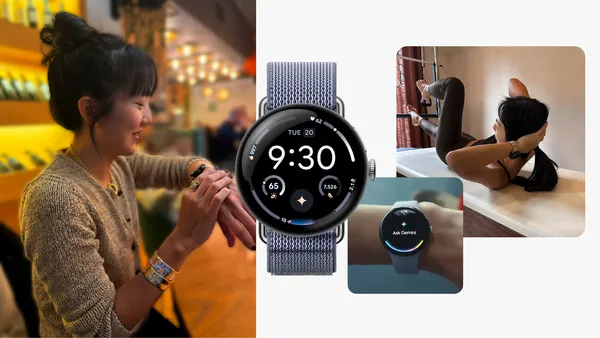 Learn more about Gemini on Wear OS features like Raise to Talk and Personal Context, all accessible on Google Pixel Watch 4.