What’s changing
We recently announced that Chat apps built as Google Workspace add-ons using Apps Script would begin supporting a more granular OAuth consent screen this month. OAuth consent is needed by an app when the app is accessing user data or performing actions on a user’s behalf. With this new feature, users can now choose the specific data that the app can access.
Building on the previous update, we’re introducing this granular OAuth consent for all types of Chat apps using Apps Script, not just those built as Workspace add-ons, starting on January 20, 2026. Please refer to our developer documentation for more details.
 |
A user can now choose the specific data that the app is allowed to access. |
Getting started
- Admins: There is no admin control for this feature.
- Developers and end users: This new consent screen will only be used for new OAuth scope grants. Pre-existing scope grants will not be affected, so no action is required by users on Chat apps they’ve already authorized. Developers should review the developer documentation to learn how to handle granular consent for Google Chat apps.
Rollout pace
- Rapid Release and Scheduled Release domains: Gradual rollout (up to 15 days for feature visibility) starting on January 20, 2026
Availability
- All Google Workspace customers, Workspace Individual subscribers, and users with personal Google accounts can use Chat apps
- All Google Workspace customers can develop Chat apps
Resources
- Google Workspace Updates Blog: Granular OAuth consent in web apps and Google Workspace add-ons
- Google Workspace Updates Blog: Granular OAuth consent in HTTP Google Workspace add-ons
- Developer documentation: Authenticate and authorize Chat apps and Google Chat API requests
- Developer documentation: Authenticate as a Google Chat app
- Developer documentation: Manage granular permissions in Apps Script
 YouTube CEO Neal Mohan laid out his top priorities for the platform for 2026.
 New AI-powered learning tools are coming to Khan Academy, built with Google’s Gemini models.
 Oxford University students and faculty will get access to advanced AI tools, including Gemini for Education and NotebookLM, following a successful pilot.
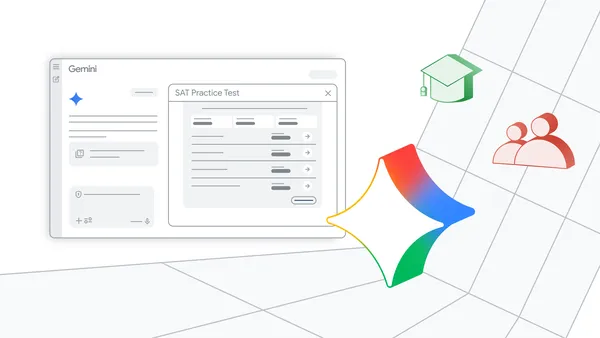 Gemini now offers full-length, no-cost practice SATs, featuring content from The Princeton Review.
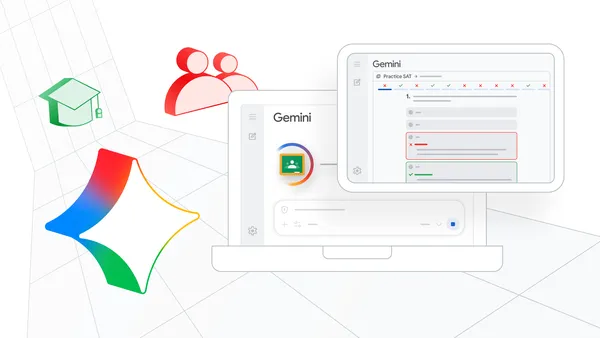 Save time and do your best work with new capabilities, like practice SATs in Gemini, and audio and video recordings in Google Classroom.
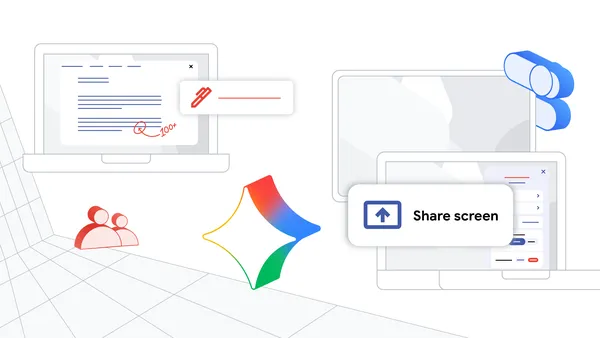 Modernize your classroom with AI-powered Chromebooks, Gemini in Chrome, and new ways to engage and collaborate with students with powerful Class tools features and a new…
 Discover new online safety tools: ransomware detection, refined admin controls, AI-generated image verification.