We are introducing persistent drafts in Google Chat. Unsent messages are now automatically saved so you can finish and send later, and are also synchronized across your devices, allowing you to start composing a message on one device and finish or send it from another.
With this update, you can start typing a message and finish later, even if you close Chat or reboot your device. If you start typing a message at your desk, you can finish and send the message from your tablet or mobile phone during your commute. Your unsent drafts will be waiting in the conversation compose box and the drafts shortcut.
- Drafts are saved per conversation (DMs, group DMs, and Spaces).
- You will find your drafts for a given conversation or thread stored in the compose box.
- You will also find your drafts across all conversations in the drafts shortcut.
- Unsent drafts are retained for up to 30 days.

Getting started
- Admins: There is no admin control for this feature.
- End users: There is no end user setting for this feature. Visit the Help Center to learn more.
Rollout pace
Web
- Rapid Release domains: Gradual rollout (up to 15 days for feature visibility with expected completion by September 15, 2026) starting on September 8, 2026
- Scheduled Release domains: Gradual rollout (up to 15 days for feature visibility) starting on September 22, 2026
Android & iOS
- Rapid Release and Scheduled Release domains: Gradual rollout (up to 15 days for feature visibility) starting on September 28, 2026
Availability
- Available to all Google Workspace customers, Workspace Individual subscribers, and users with personal Google accounts
Resources
- Google Help: Reply to a message in Google Chat


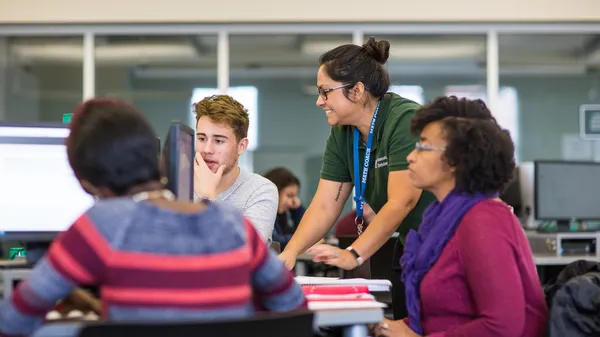 Google is partnering with Missouri to provide 1.1 million students free access to Gemini for Education and career certificates. See how to get started.
 We’re partnering with Nevoya and the Center for Green Market Activation (GMA) to deploy 25 electric semi trucks.
 We’re introducing AlphaGenome Atlas, a database predicting the effects of every possible single nucleotide variant in the human genome.
 We took to Route 66 to help Main Street entrepreneurs build confidence with AI. Explore free tools at Grow.Google/SMB.