You can now use the reportData.query endpoint in the Campaign
Manager 360 API to synchronously query your campaign performance data and
retrieve structured JSON data directly in the response.
The new reportData.query endpoint offers a simplified option for
report data retrieval compared to the standard
reporting API workflow:
- Queries run synchronously with a 60-second execution limit, making this endpoint ideal for real-time dashboards and ad-hoc data explorations.
- Report data is returned as structured JSON directly in the HTTP response, which eliminates file management overhead.
-
You no longer need to create a preconfigured
Reportresource to fetch data, as you can specify your dimensions, metrics, and filters directly in the request body.
The existing Reports service is still recommended for retrieval of large datasets, scheduled jobs, or applications that rely on downloadable report files (CSV or Excel). This service requires multiple steps: developers must create and manage Report configurations, trigger a run of the report, poll for status updates, and download the report file.
Get Started
- Review the Query Report Data guide to learn more about request parameters, pagination, and best practices.
- Compare reporting approaches on the Reporting Overview.
- Check out the reportData.query REST reference documentation.
If you have any questions or need technical support, please reach out to Campaign Manager 360 API Support.
 - Lindsey Volta, on behalf of the Campaign Manager 360 API Team
 Google is rolling out new Pixel accessories as part of Made by Google
 Google Pixel Tag locates keys, wallets, and luggage via Bluetooth Channel Sounding and Find Hub. Check specs, price, and compatibility.
 Check out the latest announcements about Pixel devices at Made by Google 2026.
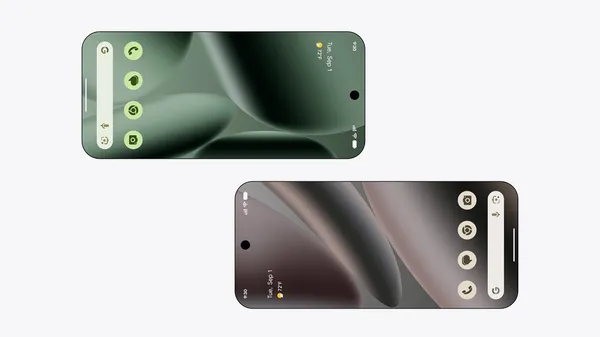 Sharing between Android devices is even easier, starting with Pixel. Use Quick Share and tap to send contact info and more.
 The Pixel Watch 5 offers our most accurate GPS route tracking yet, helping you retrace where you went on runs, hikes, and bike rides.
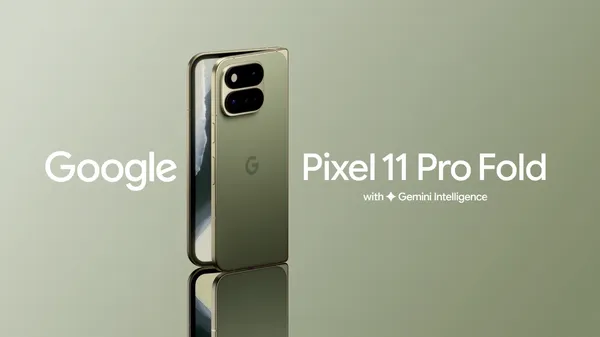 Pixel 11 Pro Fold is our latest foldable with a thinner and lighter design, a new main camera, and enhanced intelligence tools.
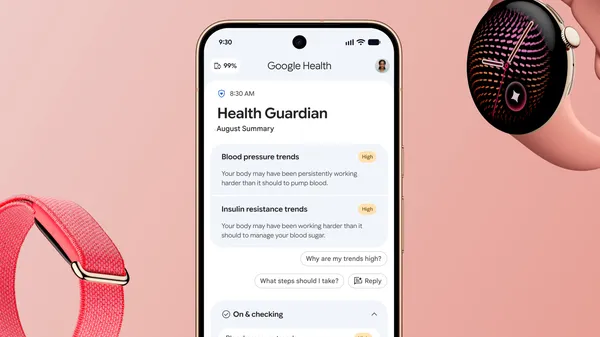 A new level of proactive health and wellness is coming to your wrist.
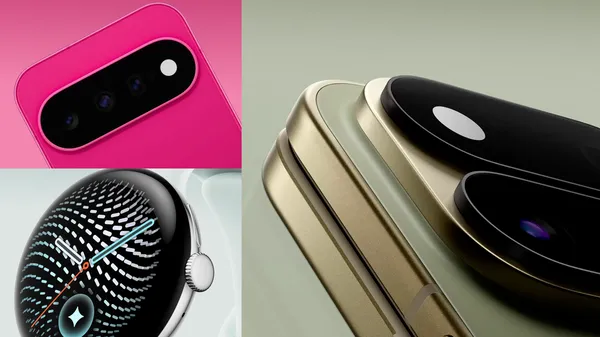 Here’s a first look at our new Pixel devices, including new Pixel 11 phones, Pixel Watch 5, and our first-ever Pixel Tag.
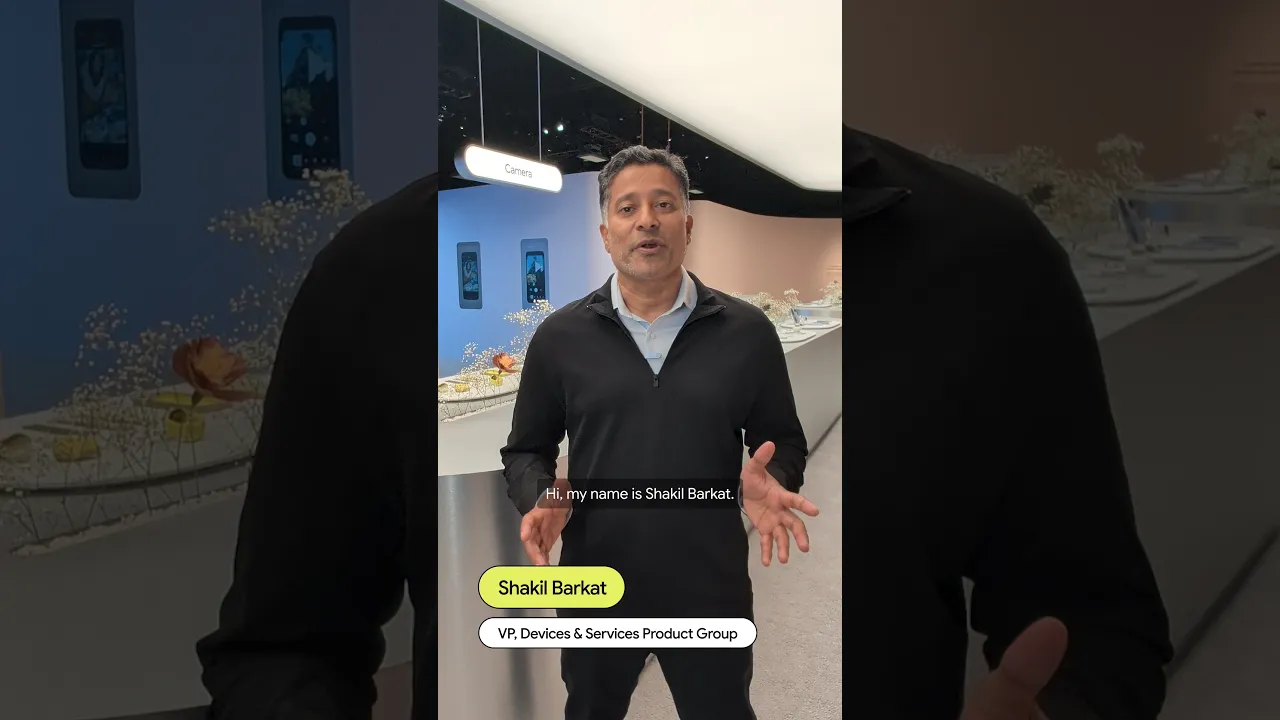 Our Pixel 11 phones are packed with helpful updates, like Magic Capture, Rambler, and HiLight. Here, a Googler shares his favorites.