We’re excited to launch Sheets canvas, a new Gemini-powered capability that transforms your spreadsheets into custom, interactive, read-write applications using simple natural language prompts. It acts as a dynamic visualization layered directly on top of your spreadsheet data, allowing you and your team to work in layouts that best fit your workflows.
Whether you need to coordinate cross-functional deliverables or present core insights from dense data to an executive team, Sheets canvas can deliver the visual tool for the job. Key capabilities include:
- End-to-end creation: Build an advanced visualization with a single natural language prompt without requiring coding, formulas, or third-party tools.
- Fully read-write: Changes made in the canvas, such as dragging task cards or adding new entries, instantly update your source sheet. Likewise, any updates to the source sheet reflect in your canvas in real time.
- Flexible adjustments: Continue to polish and refine your Sheets canvas by prompting Gemini to make edits to layout, design, functionality, and more.
- Familiar sharing tools: Because Sheets canvas is built directly inside Google Sheets, it inherits the same sharing settings as your spreadsheet, making it effortless to collaborate in real time.
For example, if you’re a financial analyst working out of a budget spreadsheet, you can ask Gemini to “Build an interactive dashboard that helps me analyze how different cost drivers impact a quarterly budget.” If you’re an operations lead overseeing logistics, you can simply prompt Gemini to “Create a custom tracker to visualize regional field assignments.”
Users can build a wide variety of applications with Sheets canvas. Here are just a few examples:
Kanban board: Group tasks by workflow stage, and drag and drop cards to update progress in real time
Dashboard: Create a financial forecasting model with dynamic scenario planning
Whiteboard: Conduct a virtual brainstorming session with sticky notes
Note: This feature is currently only available on the web to accounts with language set to English.
Getting started
Rollout pace
- Rapid Release domains: Extended rollout (potentially longer than 15 days for feature visibility) starting on August 10, 2026
- Scheduled Release domains: Gradual rollout (up to 15 days for feature visibility) starting on August 31, 2026
Availability
- Business: Business Standard and Plus
- Enterprise: Enterprise Standard and Plus
- Consumer: Google AI Pro and Ultra
Education
- Add-ons: Google AI Pro for Education
AI Add-ons: AI Expanded Access
Note: Creating and editing Sheets canvases is subject to per-user usage limits. See the Help Center for more information. Resources
 Gemini 3.7 Flash is our most intelligent workhorse model yet for coding and agents.


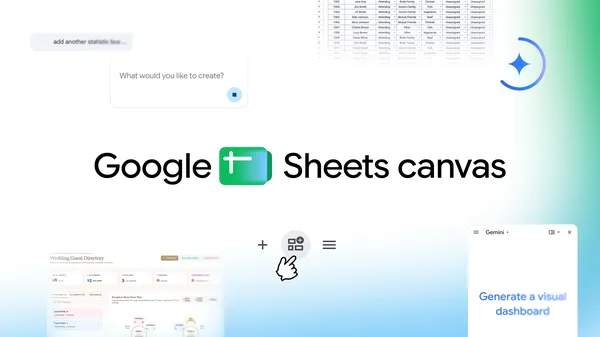 Sheets canvas turns data into interactive dashboards, custom study trackers, seating charts, and more, all with a simple prompt.
 HiLight, a new Pixel 11 Pro feature, gently glows to notify you of timely updates — keeping you informed when your phone is down.
 Pixel 11’s new Magic Capture feature finds the best shots from dynamic scenes so you don’t miss precious moments trying to capture them.
 We interviewed some of the experts behind Gemini Omni to hear what excites them most about the model.
.jpg)