The Beta channel has been updated to 152.0.7977.13 for Windows, Mac and Linux.
A partial list of changes is available in the Git log. Interested in switching release channels? Find out how. If you find a new issue, please let us know by filing a bug. The community help forum is also a great place to reach out for help or learn about common issues.
Even as AI adoption accelerates and transforms the global technology landscape, open source remains foundational to how Alphabet builds, uses, and collaborates on products for billions of users. Our commitment to open source remains broad and consistent, including sharing our work year-over-year, and reflecting on what we've learned.
In 2025:
Roughly 10% of Alphabet's full-time workforce actively contributed to open source projects. This contribution ratio has remained steady over the past five years, scaling to match our growth.
These open source contributions are not just solely focused on Google. Our top projects by unique contributors at Alphabet include community-led projects such as LLVM, vLLM, Envoy, and Rust, as well as Google-initiated projects like Kubernetes, Apache Beam, and gRPC.
In addition, Alphabet projects received commits from more than 20,000 non-Alphabet affiliated user accounts.
Working together on emerging standards
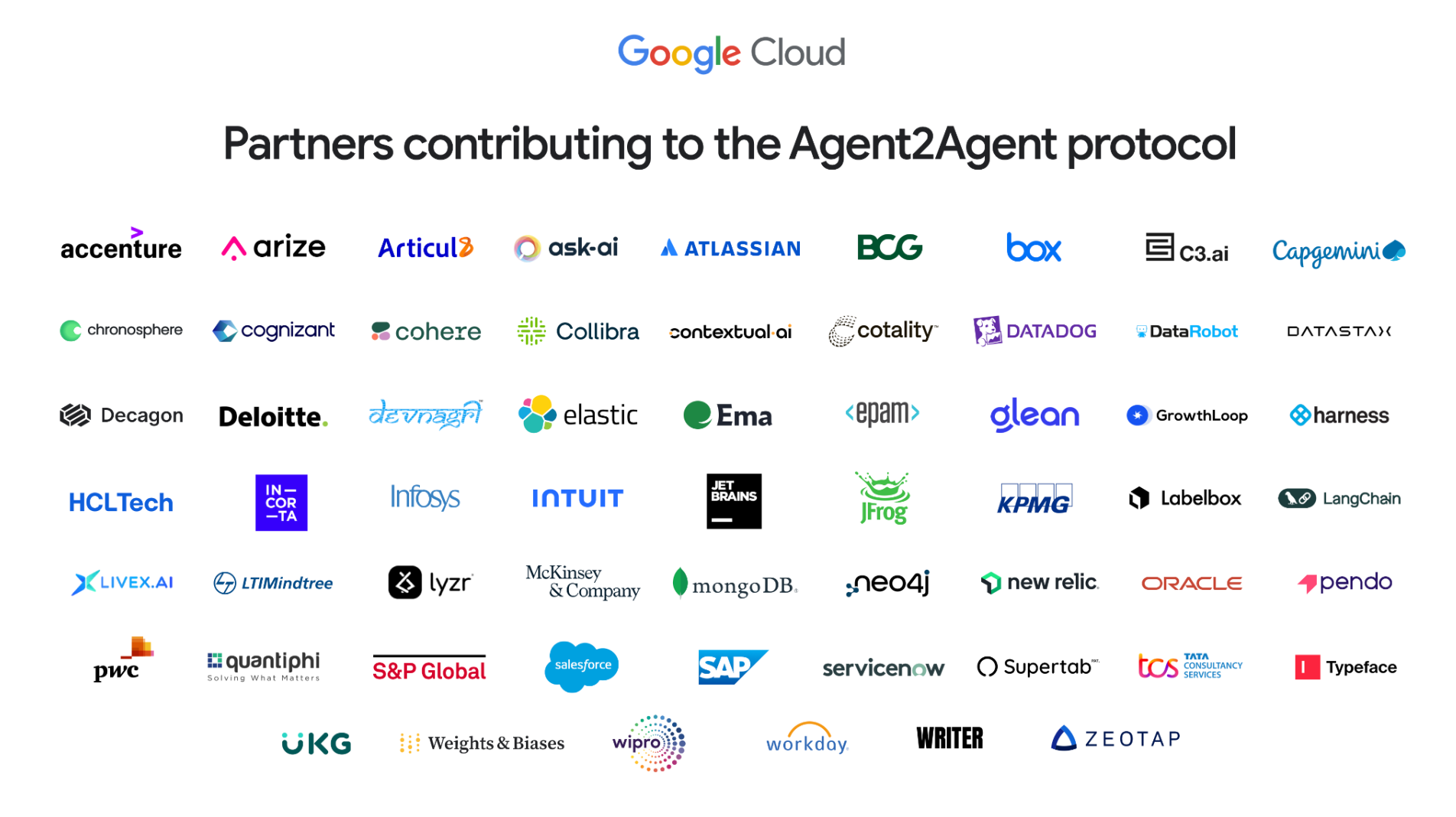
Open source communities continue to provide vital collaborative spaces to define emerging standards, ensuring the interoperability and extensibility for the next generation of technologies. In 2025, we worked with more than 50 partners on the Agent2Agent (A2A) protocol to enable AI agents to communicate with each other, securely exchange information, and coordinate actions on top of various enterprise platforms and applications. Within weeks of our initial announcement, Google donated the A2A project to the Linux Foundation as part of our long-standing commitment to develop "open, collaborative ecosystem – offering greater autonomy and multiplying productivity."
Launching tools with transparency
Open source licenses provide a framework for anyone to explore, test, fork and expand on our technologies. Over the last 15 years, Google has created more than 15,000 public repositories on GitHub. Today, Google continues to maintain more than 5,000 public repositories on GitHub, and more than 1,500 public repositories on Git-on-Borg. A quick look back to some highlights from our 2025 launches includes:
Gemma 3 – a collection of lightweight open models built from the same research and technology that powers our Gemini 2.0 models. They are designed to run directly on devices — from phones and laptops to workstations — helping developers create AI applications, wherever people need them. Since Gemma’s release in 2024, the Gemmaverse community has created more than 60,000 Gemma variants. We’ve continued work on this collection and in 2026 we released Gemma 4 under an Apache 2.0 license.
Agent Development Kit – an open-source framework and SDK designed to help developers build, compose, and run both conversational and non-conversational AI agents.
Adjusting our collective security practices
As the threat landscape evolves and accelerates in the AI era, we are working on novel solutions to mitigate vulnerabilities at scale and remove some of the burden from overloaded maintainers. In 2025, we introduced several critical security initiatives to support upstream open source projects:
CodeMender: An agent designed to be both reactive, instantly patching new vulnerabilities, and proactive, rewriting and securing existing code and eliminating entire classes of vulnerabilities in the process. In its first six months, we were able to upstream 72 security fixes to open source projects, including some as large as 4.5 million lines of code.
OSS Rebuild: A security initiative to prevent software supply chain attacks by verifying build provenance. It automates package rebuilding and semantically compares results to upstream artifacts to detect tampered code on registries like PyPI, npm, and Crates.io.
OSV-Scalibr: (Software Composition Analysis Library) the core engine for vulnerability scanning used internally and in OSV-Scanner.
Working together to sustain the contributor community
Beyond security contributions, we remain committed to providing financial support directly to projects and maintainers. In 2025, the Open Source Programs Office (OSPO) directed $2M in sponsorships and investments to more than 40 open source projects.
Google Summer of Code celebrated its 21st year of enabling open source organizations to find, mentor, and onboard new contributors, directly supporting 1,280 individuals to contribute to 185 organizations. Over its lifetime, the global program has connected more than 23,000 participants from 125 countries with over 1,000 open source organizations globally. Moving forward, we recognize the need to evolve our program structures to ensure they continue to effectively support maintainers in the AI era.
Evolving the way we work in open spaces
Respecting community norms and practices is fundamental to establishing and maintaining trust in open source communities. To ensure we remain supportive members of your community, we encourage projects to document preferred practices and policies in the wake of new technologies. As AI changes the way we work, we are continually evaluating how best to evolve the way we engage in open spaces to preserve, prepare and bolster the communities we depend on.
We are deeply grateful for the many individuals and organizations that have worked with us to create global technologies from which everyone can benefit. You can continue to learn more about our open source initiatives, ongoing programs, and new projects at opensource.google.
Appendix: About this data
This report features metrics provided by many teams and programs across Alphabet. In regards to the code and code-adjacent activities data, we wanted to share more details about the derivation of those metrics.
Data sources: These data represent the activities of Alphabet employees on public repositories hosted on GitHub and our internal production Git service Git-on-Borg. These sources represent a subset of open source activity currently tracked by Google OSPO.
Business and personal: Activity on GitHub reflects a mixture of Alphabet projects, third-party projects, experimental efforts, and personal projects. Our metrics report on all of the above unless otherwise specified.
Alphabet contributors: Please note that unless additional detail is specified, activity counts attributed to Alphabet open source contributors will include our full-time employees as well as our extended Alphabet community (temps, vendors, contractors, and interns). In 2025, full time employees at Alphabet represented more than 95% of our open source contributors.
GitHub Accounts: For counts of GitHub accounts not affiliated with Alphabet, we cannot assume that one account is equivalent to one person, as multiple accounts could be tied to one individual or bot account.
Active counts: Where possible, we will show ‘active users’ defined by logged activity (excluding ‘WatchEvent’) within a specified timeframe (a month, year, etc.) and ‘active repositories’ and ‘active projects’ as those that have enough activity to meet our internal active-project criteria and have not been archived.
We’re improving the ‘Take notes for me’ feature in Google Meet by giving you the ability to automatically capture and include screenshots of presented content directly in the meeting notes document.
While meeting transcripts capture what is said, they often miss critical visual context, like content that was presented. Without these visuals, notes can lack necessary detail or even be confusing if a speaker refers to a chart or diagram without describing it out loud.
Getting started
Admins: You can configure this feature in the Admin console to either always allow screenshots of presented content or only allow them when a recording is enabled. Visit the Help Center to learn more.
End users: When you begin presenting in a meeting where notes are being taken, you will see a notification alerting you that Gemini may capture screenshots of your presentation to add to the notes. This feature can be disabled from the notes panel.
We are introducing timestamped comments for videos in Google Drive on the web. Users can now anchor comments to a specific time mark in a video, making video collaboration more direct, precise, and contextual.
When reviewing a video file, users can choose between adding a timestamped comment or a general file-level comment using a split button in the commenting interface. Each timestamped comment generates a visual marker directly on the video player timeline. Clicking a marker automatically jumps to that point in the video and highlights the associated comment, allowing reviewers and video owners to navigate feedback without manually scrubbing through media files. Standard commenting capabilities—such as editing, resolving, replying, and mentioning colleagues with @ notifications—remain fully supported and integrated with time-anchored notes.
This feature streamlines cross-functional workflows by eliminating the need to track timecoded feedback in separate documents, chat threads, or emails. Teams producing demos, training videos, marketing content, or recorded presentations can now conduct precise, asynchronous reviews directly within Drive. While timestamped comments must be created on the web, mobile users viewing videos on iOS or Android will still see these entries formatted as standard file-level comments.
Getting started
Admins: This feature will be available by default for all users. There is no admin control for this feature.
To prevent context window bloat and reduce token consumption, Genkit Go introduces Agent Skills based on a progressive disclosure architecture. Developers can package specialized instructions, scripts, and references into modular SKILL.md bundles where only the frontmatter metadata is initially exposed to the agent's system prompt. When a task matches the skill's description, Genkit's middleware dynamically loads the full instruction body and associated assets, ensuring the model accesses precise workflows exactly when needed.
Agent Platform's evaluation service is now generally available, providing developers with a unified engine to measure agent quality consistently across local development experiments and live production traffic. You can evaluate agents using over 20 pre-built metrics, DeepMind-backed adaptive rubrics, or custom code-based and LLM-as-a-judge metrics stored in a centralized, versioned registry. The service integrates directly into existing workflows via the Agent Platform SDK, agents-cli, and ADK, offering built-in user and environment simulators to automate complex multi-turn testing and streamline CI pipelines.
Visual screenshots in Google Meet meeting notes will soon be generally available, pre-configure admin settings in advance
In the coming weeks, we’re starting the rollout of visual screenshots for the ‘Take notes for me’ feature in Google Meet. Visual screenshots automatically capture presented content (such as slides, diagrams, and charts) directly into the generated meeting notes document, ensuring critical visual context is preserved alongside spoken summaries and transcripts. | Learn more.
Streamline collaboration in Google Docs with Gemini-powered comment workflows
We’re introducing Gemini-powered comment workflows in Google Docs to help you quickly understand and respond to collaborator feedback. These new features enable Gemini to read, summarize, and act on comments throughout your document, saving you time and streamlining collaboration. | Learn more.
Generate and edit visuals with Gemini in Google Docs
You can now create and edit images, diagrams, and infographics directly alongside your text using Gemini in Google Docs. These images leverage the context of your document, so you can generate relevant visuals to accompany your writing without ever leaving Docs or relying on external tools. Plus, you can refine your existing visuals and graphics using simple natural language prompts. | Learn more.
Updated options to better view Google Calendar on large monitors
To provide users with more control over their viewing experience, we’re updating information density options for the calendar grid. These updates allow users to customize how calendar events scale on their screens to accommodate various monitor sizes and personal preferences. | Learn more.
Create and import scatter charts with multiple x-series in Google Sheets
Google Sheets now supports creating and editing scatter charts with multiple independent x-series. This update allows users to map separate data series to their own unique x-axis, rather than forcing all series in a single chart to share the same horizontal axis domain. | Learn more.
Use Gemini in Google Forms to quickly create a new quiz
Help me create in Google Forms now supports generating quizzes. With this launch, you can quickly create a quiz by writing a specific prompt for Help me create describing the quiz you want to create. Your prompt can reference Google Drive files like Docs, Slides or PDFs to use as sources for the quiz, should you choose. | Learn more.
Prevent accidental disclosures with new Reply All BCC warnings in Gmail
To help protect your privacy and ensure intentional communication, we are introducing a new caution notification in Gmail. This feature is designed to prevent accidental information disclosure by alerting users when they are about to "Reply All" to a thread where they were originally BCC’ed. | Learn more.
The announcements above were published on the Workspace Updates blog over the last week. Please refer to the original blog posts for complete details.
Tired of starting your morning staring at bright screens and stressful notifications? Raph, a creative technologist at Google, built a custom app called Glanceboard with…

 Our new Austin office, Sail Tower, features flexible workspace for Googlers and a Google.org nonprofit venue for community members.
 Kaggle’s AI Agents Intensive with Google brought learners together in a no-cost course to build and deploy the next frontier of AI.
 Tired of starting your morning staring at bright screens and stressful notifications? Raph, a creative technologist at Google, built a custom app called Glanceboard with…