With the integration of Gemini 3.1 Flash Text-To-Speech (TTS) and the latest capabilities in Veo 3.1, AI avatars in
Google Vids have become more realistic and expressive than ever. We’re excited to announce expanded language support, a new collection of avatar defaults, and the ability to direct your custom avatars to take action in any generated video.
Expanded preset avatars with more expressive speaking
Samples of new default avatars
We’ve expanded avatar options from 23 to 53 default presets, spanning photorealistic, 3D cartoon, and graphic novel styles. This broader gallery includes avatars like Sofia, Jack, Charlie, Finley, and Eleanor, all powered by Gemini Audio to speak with greater degrees of expression, realism, and conversational tones.
Expanded speaker support to 24 languages
Full list of language support in Google Vids UI
We’ve added support for 16 new languages, including Hindi, Bengali, Marathi, Tamil, Telugu, Arabic, Indonesian, Russian, Dutch, Polish, Thai, Turkish, Vietnamese, Romanian, and Ukrainian.
These languages join our existing set—English, Spanish, Portuguese, Japanese, Korean, French, Italian, and German—bringing the total to 24 supported languages for AI avatar and voiceovers.
Create custom avatars with the latest Gemini voice model
User experience of assigning new voices to custom avatars
With custom avatars in Vids, you can design your avatar using Nano Banana Pro. Starting today, you can choose from 30+ voices powered by Gemini Audio that offer increased expression, language support, and steering control over how they speak.
Direct your custom avatars to take action in addition to speaking
Generated sample of a directed custom avatar
Previously, users could only direct default avatars. Now, you can add custom avatars as an ingredient in generated video clips, unlocking new ways to have your customized spokesperson tell your story. Every generation preserves your custom avatar's appearance and voice, ensuring your customizations are preserved throughout new generations.
- Control custom actions: Instruct your avatar to walk, talk, and use objects simply by typing a text prompt describing their actions.
- Use image references: Upload additional images to direct your avatar in customized locations or with branded logos.
Getting started
Rollout pace
Availability
- Business: Business Starter, Standard, and Plus
- Enterprise: Enterprise Starter, Standard, and Plus
- Education: Education Plus
- Consumer: All users with personal Google accounts, including Google AI Pro and Ultra
- Other Editions: Enterprise Essentials, and Enterprise Essentials Plus; Nonprofits; Individual
- Education Add-ons: Teaching and Learning; Google AI Pro for Education
- Other Add-ons: AI Expanded Access*
*Users with AI Expanded Access add-on licenses have higher limits on usage of AI avatars in Vids. Resources

 Here’s how U.S. universities are using Google’s AI tools in innovative ways.
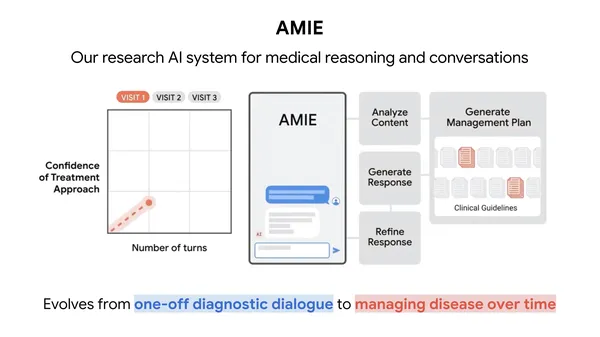 Research in “Nature” shows our conversational AI system matches primary care physicians in complex disease management.


 By renewing our support for Frontier, we are advancing a portfolio that tackles emissions at every timescale.
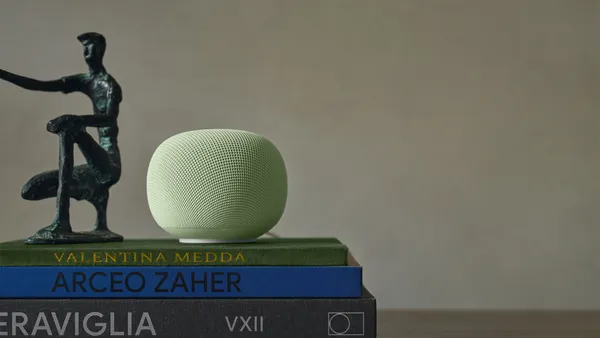 Meet the Google Home Speaker for Gemini. Control smart home devices, manage routines, and get fast answers using natural language.